
Migrate to Zoho as Salesforce Prices Surge in 2025
I’m letting out a sight right now, reading CX Today and seeing the second price hike from Salesforce.
There was the Slack business price hike back in June, and now just recently, a major 6% increase starting the 1st August, 2025.
They claim it’s because of AI advancements in their CRM but, in my opinion, you shouldn’t have to spend £11,700 (Enterprise) for rebranded chatbots.
In fact, studies back me up: Multi-step AI tasks fail 65–70% of the time (The Register), so what are you really spending extra for?
Answer: Salesforce wants to show its investors it can drive recurring revenue without massive new customer acquisition.
It’s a “How much can we squeeze out of them” game.
And if you’re realising this for the first time, I want to apologise as a member of the CRM community.
I believe companies like Salesforce (and HubSpot) are bleeding customers dry with overhyped, overpriced, and under-utilised CRM software.
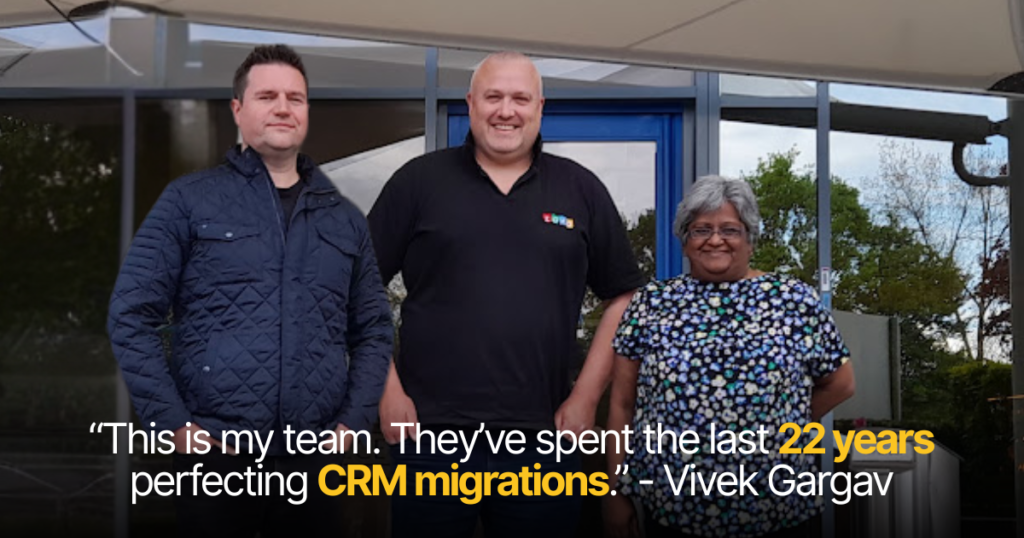
So, I had a meeting with our CRM specialist, Meeta Gargav, and we’ve agreed to reveal the exact process we use when migrating clients from Salesforce to Zoho.
It’s our way of saying: “You don’t get to exploit people like this”.
We’ve honed this migration strategy for 22 years, across finance, manufacturing, and technology.
That said, if you find migration too much of a headache (which, by the way, is Salesforce’s intention), contact us today and we’ll do it for you.
Let’s jump in:
Step 1 – Plan and Audit Your Salesforce Data
Salesforce and Zoho store data differently. You can’t just hit “Export All” and hope for the best.
So we start by mapping every object, field, and relationship in your Salesforce org to its Zoho equivalent.
- List & Map – Accounts → Zoho Accounts, Opportunities → Zoho Deals, Cases → Zoho Desk tickets.
- Custom Objects – Replicated as Zoho custom modules.
- Field Reduction – Salesforce allows hundreds of fields per object; Zoho’s limit is ~300 per module. This is your moment to purge unused or legacy fields.
- Automation Dependencies – Identify workflows, triggers, or integrations tied to your data so we can recreate them in Zoho later.
A detailed data mapping document here will save you 80% of headaches later.
Step 2 – Export Your Salesforce Data
We extract records via Data Export Wizard or Data Loader, ensuring:
- Date, currency, and text formats match Zoho’s expectations.
- Relationships (Account–Contact, Deal–Product) are preserved via unique IDs.
- Attachments are exported and matched to their records for later migration.
We always create a secure backup, just in case anything needs to be reimported.
Step 3 – Import into Zoho CRM
Before importing, we:
1. Build Your Zoho Structure – Create modules, fields, picklists exactly as in the mapping doc.
2. Test Import – Move 50 records first, check picklists, lookups, and relationships.
3. Import in Order – Accounts → Contacts → Deals → Activities → Attachments.
Attachments often require special handling via API or a Zoho Marketplace tool.
Check out this article on best practices for importing into Zoho CRM.
Step 4 – Rebuild Workflows & Integrations
Your data is the skeleton; workflows and integrations are the muscle.
- Automation – Replicate lead routing, email alerts, and approval processes using Zoho Blueprints, Workflow Rules, and Deluge functions.
- Integrations – Replace or reconnect marketing, support, and telephony systems. Where possible, consolidate into Zoho One apps (e.g., Zoho Desk, Zoho Sign) to cut vendor costs.
- Custom Functions – Complex Apex triggers can often be rebuilt in Deluge with less overhead.
When Bluestar Leasing moved to Zoho with our help, they gained a remote-accessible, fully integrated CRM just weeks before COVID-19 hit.
They avoided disaster when their whole team had to work from home.
Step 5 – Validate and Go Live
Post-migration, we run:
- Record Count Checks – Compare Salesforce vs. Zoho counts for each module.
- Spot-Checks – Open key accounts, verify related deals, notes, and attachments.
- Workflow Testing – Ensure every mission-critical automation fires as expected.
- User Acceptance – Let power users stress-test the system before the company-wide launch.
Only once the data is clean, relationships intact, and workflows firing do we flip the switch.
Download Our Free CRM Transition Checklist
Salesforce thinks you’re a cash machine.
Every year, they press the big, shiny “Give me money” button, and £32 billion a year pops out.
For software, might I add, designed for bloated corporations who want the “prestige” of paying more.
So if you’re not a bloated corporation, and you care about managing costs, we’re giving away a free CRM transition checklist for Zoho.
This is the exact checklist we’ve used for 22 years to rescue finance firms, manufacturers, and tech companies from overpriced CRM hell.
Message the word “FREE” down below and we’ll give it to you; no charge, no catch.
Just send me a quick message and it’s yours.
– Vivek Gargav
FAQ
Why are Salesforce prices going up in 2025?
Salesforce raised prices twice in 2025, including a 6% hike in August, blaming AI improvements. Many see it as a revenue play rather than genuine innovation, especially given high AI failure rates.
Is migrating from Salesforce to Zoho complicated?
It’s not a “click and done” process because Salesforce and Zoho structure data differently. A proper migration requires mapping fields, cleaning unused data, and rebuilding workflows.
What’s the biggest risk when migrating CRM data?
Losing relationships between records (like Accounts and Contacts) or breaking automations can cripple your CRM. This is why test imports and backups are essential before going live.
How long does a Salesforce-to-Zoho migration take?
A small business can be fully moved in a few weeks, but complex setups with custom objects take months. The timeline depends on how much cleanup and workflow rebuilding is needed.
Salesforce raised prices twice in 2025, including a 6% hike in August, blaming AI improvements. Many see it as a revenue play rather than genuine innovation, especially given high AI failure rates.
It’s not a “click and done” process because Salesforce and Zoho structure data differently. A proper migration requires mapping fields, cleaning unused data, and rebuilding workflows.
Losing relationships between records (like Accounts and Contacts) or breaking automations can cripple your CRM. This is why test imports and backups are essential before going live.
A small business can be fully moved in a few weeks, but complex setups with custom objects take months. The timeline depends on how much cleanup and workflow rebuilding is needed.